Your navigation, product cards, controls, account flow, and brand system.
Plateau solution 06
Custom Applications
Turn Plateau scenes into a tailored product, portal, or workflow with your own interface, brand, data, and customer journey.
Your interface, Plateau underneath
Build beyond the standard player without rebuilding the 3D foundation.
The Plateau Player SDK keeps rendering, scene behavior, cameras, variants, annotations, states, and records behind one stable interface. Your application decides how customers discover, compare, configure, and act on that content.
- Foundation
- Player SDK
- Content
- Live scene data
- Delivery
- Your domain and brand
Application architecture
Own the experience. Keep Plateau as the 3D runtime.
A clear separation keeps custom interfaces flexible while scene content, permissions, rendering, and updates remain managed in the platform.
A stable command and event layer between the application and the hosted player.
Models, scans, configurators, records, perspectives, variants, and analytics.
- Scene records
- Camera perspectives
- Material variants
- Scene states
- Annotations
- Runtime events
Application toolkit
Use the platform capabilities that fit the product.
Start with the hosted player, expose only the scene controls your workflow needs, and keep the complete interface under your control.
Where it works
Shape 3D around a specific customer journey.
Custom applications are most useful when the standard player is only one part of a broader digital product or operational process.
Product configurators
Combine product records, material variants, scene states, pricing, and saved views in a focused sales experience.
Digital showrooms
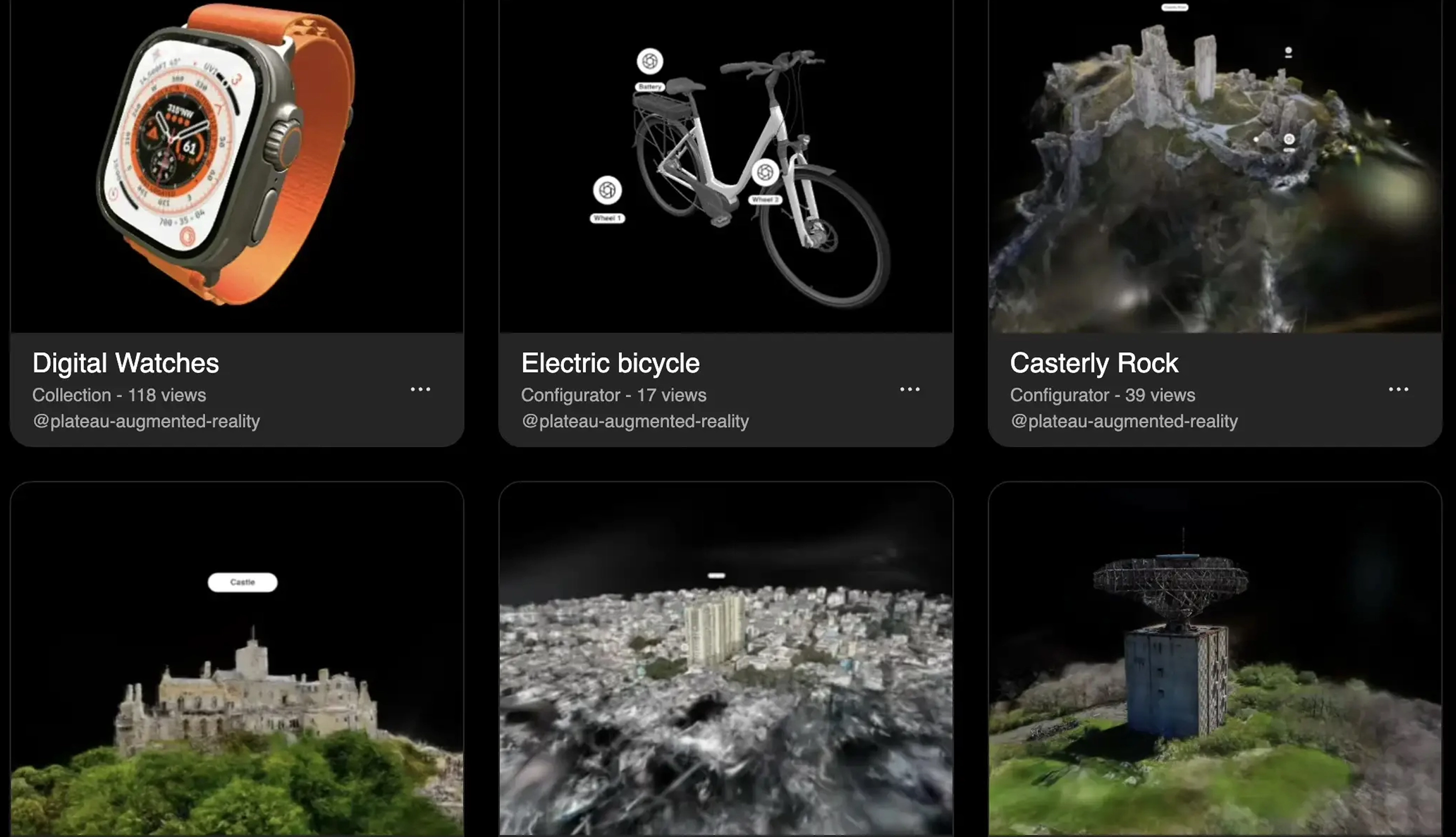
Present a curated catalogue of models, scans, and collections through a branded customer-facing interface.
Client and operational portals
Connect 3D scenes to project data, approvals, training, inspection, or internal workflows without exposing editor tools.
Start a project